itk-SNAP re-orient image
Chosing the correct image orientation is crucial for the registration to work.
itk-SNAP let’s you change your image orientation manually using their
Reorient Image tool. This tutorial will teach you how to use
itk-SNAP to manually re-orient an image from LPI to ARI.
Load your image into itk-SNAP like you would normally do.
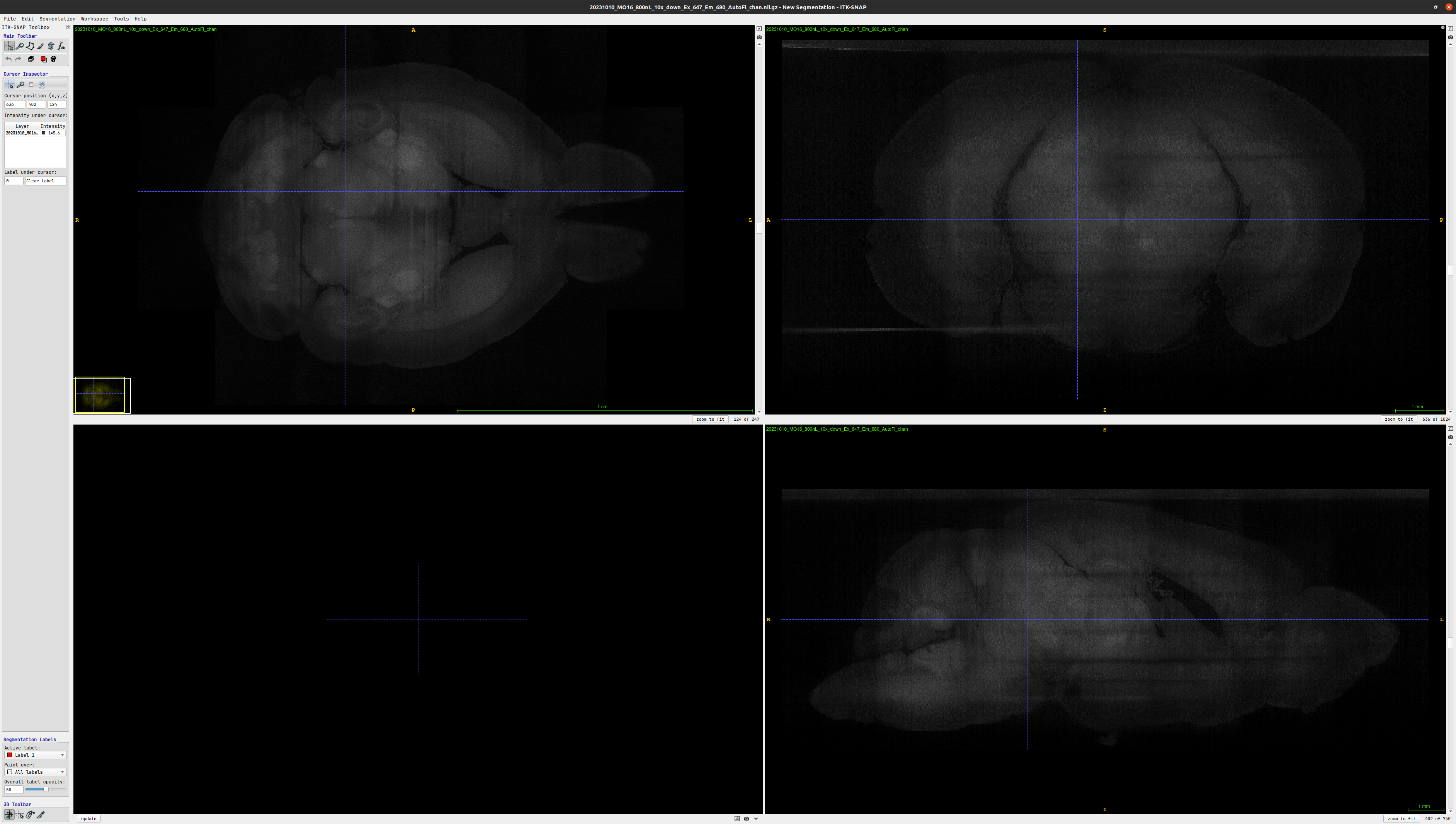
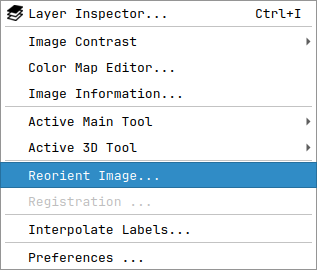
Under
ToolsselectReorient Image...
In the menu that will open, you will be presented with the current orientation of your image on the left, and the new orientation on the right.

To change the orientation either enter the
RAIorientation code directly in theRAI Code:text field, or change thex,yandzaxes of the image until the desired orientation is achieved. The preview window on the bottom right will give you an indication of where you are in 3D space.
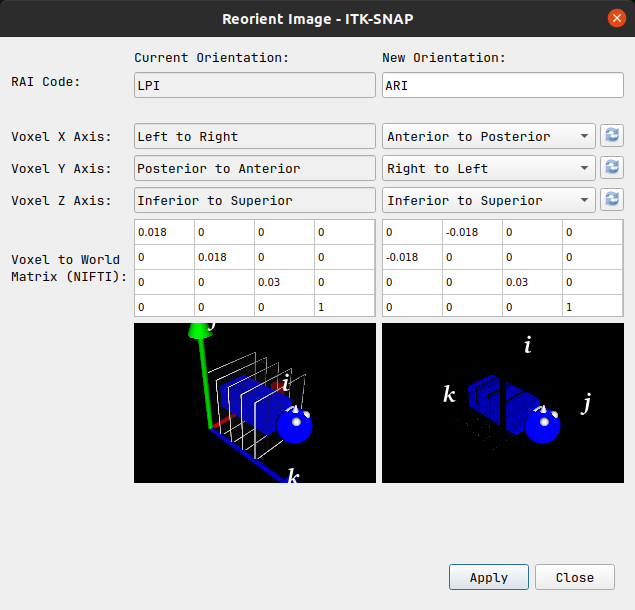
Once the correct orientation has been confirmed and the changes are applied, the
Reorient Imagemenu can be closed. Your image will now appear in the new orientation itk-SNAP’s main window.
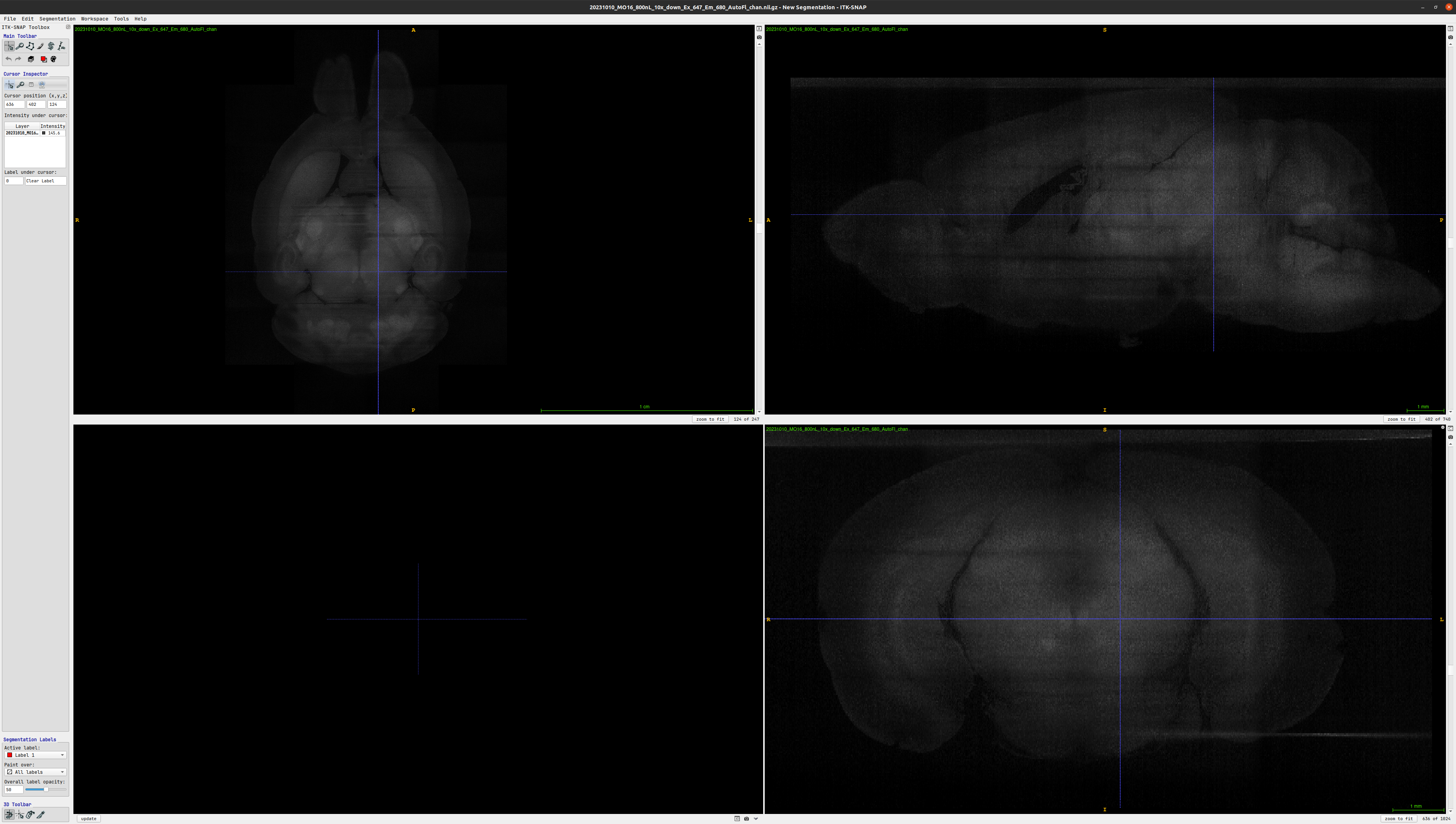
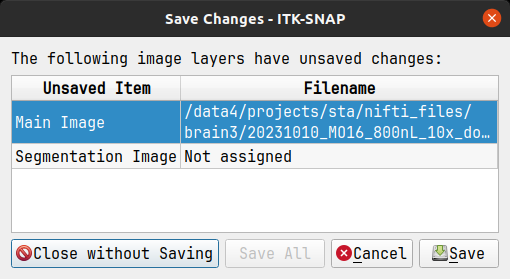
Save the newly oriented image manually or click
Savewhen exiting itk-SNAP. Click onClose without Savingif you don’t want to save the image in its new orientation.